

Give Microsoft Purview the Business Context It Needs
Microsoft Purview provides the governance. M-Files provides the business context through metadata, document relationships, classifications, and workflow state, helping organizations classify information, apply sensitivity labels, and protect content based on business meaning.
Classify and protect information based on what it means to your business, not just what it contains or where it is stored.
Protect Information Based on Its Business Meaning
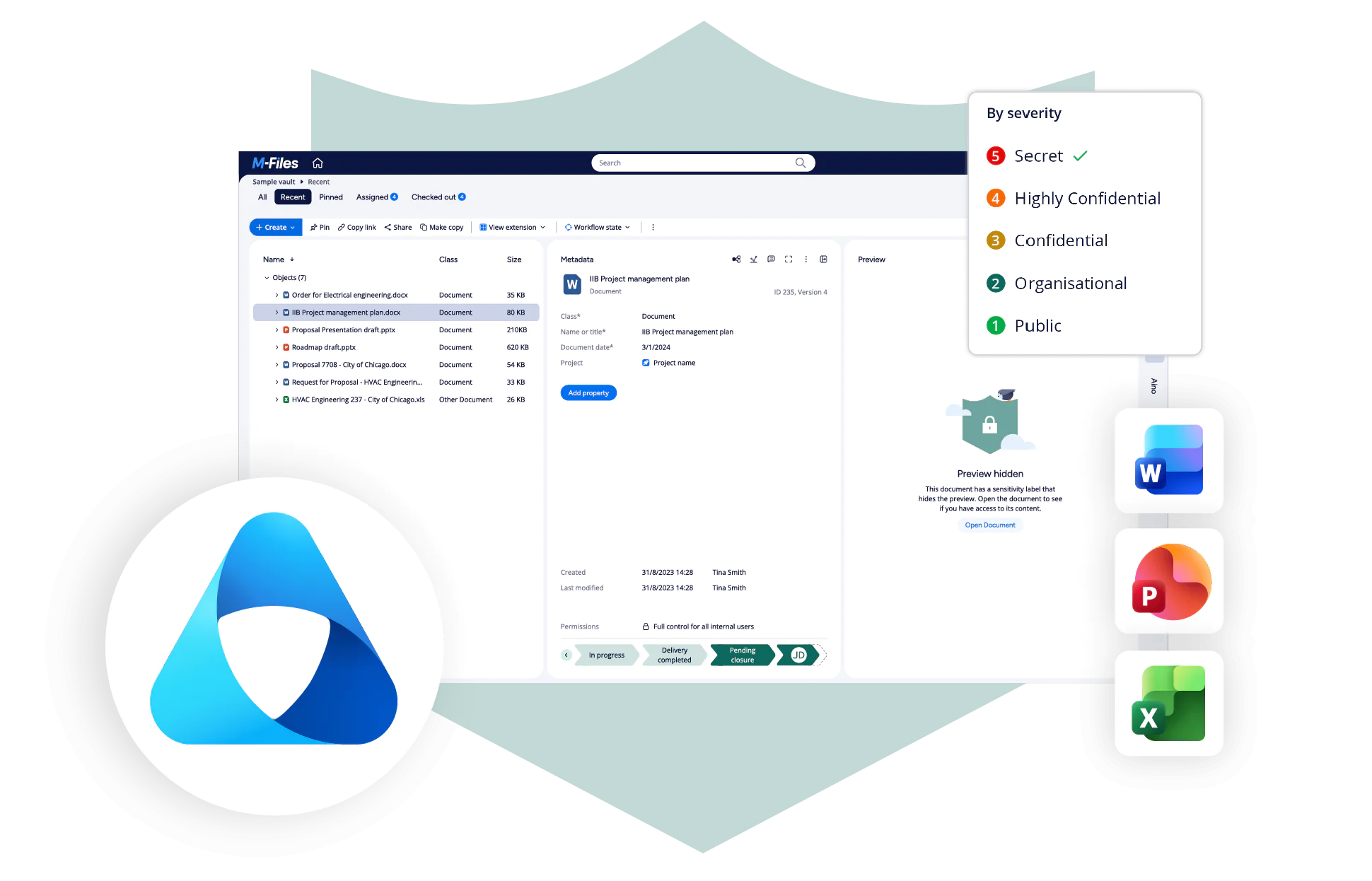
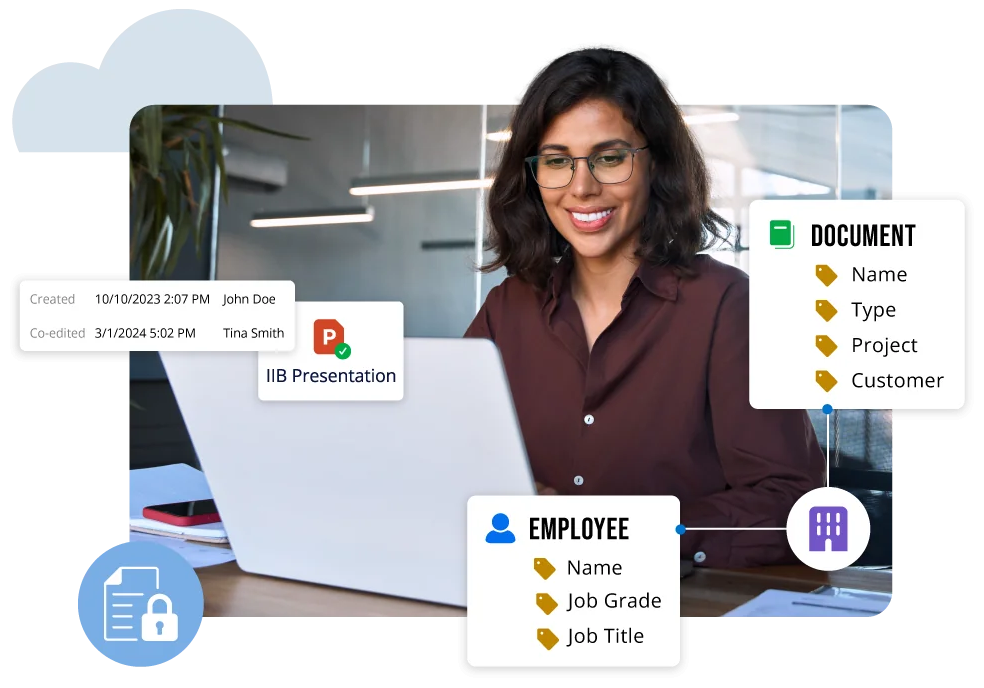
A file's text or location may not show whether it is a signed contract, an active customer record, a controlled quality document, or an obsolete project draft. M-Files adds metadata, document relationships, ownership, document type, workflow state, and enterprise content management context to support classification and information protection. Microsoft Purview can evaluate content and apply protection, but organizations often need additional business context to distinguish a signed contract from a draft, an approved procedure from a superseded version, or an active customer record from historical information and apply the appropriate sensitivity label.
How It Works
- Understand business meaning with M-Files metadata, relationships, ownership, document type, and workflow state.
- Map that context to a sensitivity label using customer-defined rules to support consistent classification and information protection.
- Microsoft Purview, as the authoritative information protection layer, applies the protection configured for the selected label.
View Microsoft Purview sensitivity labels directly in M-Files
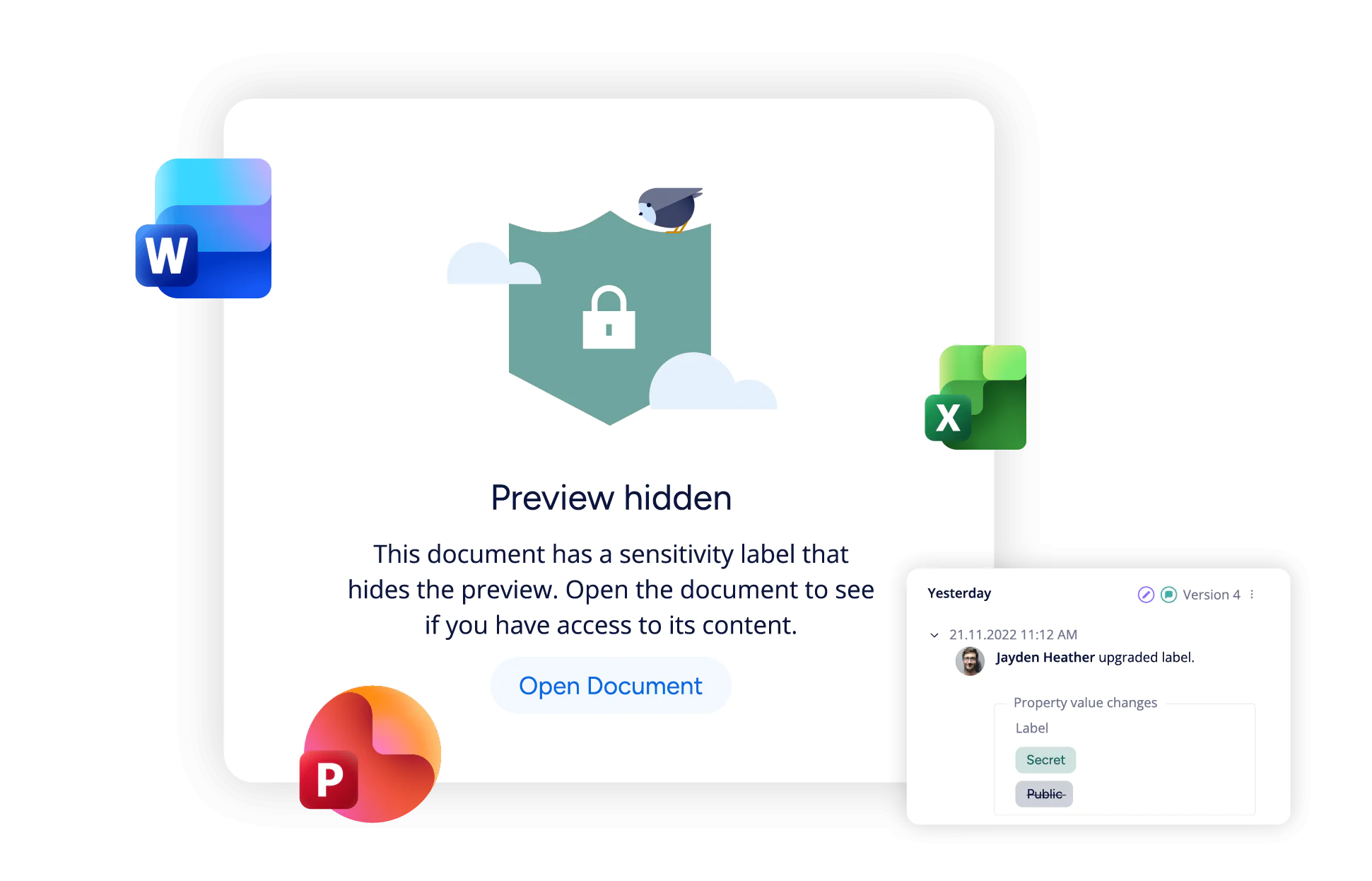
Microsoft Purview sensitivity labels are visible in M-Files for supported content. Users can also see when supported files have encrypted sensitivity labels, helping them understand classification and protection before working with a document.
Labels remain defined and governed in Microsoft Purview. Manual label application or updates occur through supported Microsoft Office experiences.
Classify information using metadata and workflow context
Available in a future release.Customer-defined rules are planned to map M-Files metadata and workflow context to a Microsoft Purview sensitivity label. For example, a signed customer contract or approved financial record can be classified differently from a draft based on document type, ownership, relationships, and process stage, improving classification consistency and information protection.
Create an AI-ready foundation with governed information.
Consistent classification and protection can help organizations prepare supported content for responsible AI use. M-Files organizes information by business context while Microsoft Purview supplies the label-based protection. Together, they help establish an AI-ready information foundation. Governance supports AI readiness, but does not guarantee more accurate AI answers.
Document-driven Work
How can M-Files improve Microsoft Purview classification?
The same words can carry different risk depending on the document's purpose, owner, relationships, and lifecycle stage. M-Files captures that context for document-driven work.
Contract governance
Classify contracts based on business context, distinguishing drafts, approved agreements, signed contracts, and expired documents by counterparty, owner, and status.
Explore Contract ManagementQuality and compliance documents
Apply consistent classification and protection to controlled procedures, work instructions, audits, and quality records by approval state, effective date, and process.
Explore Quality ManagementCustomer records
Use customer, account, case, and relationship metadata to distinguish sensitive records from routine correspondence.
Explore Customer Information ManagementFinancial documents
Classify budgets, forecasts, invoices, and approved financial records by entity, period, owner, and workflow stage to support governance and protection.
Explore Financial Document ManagementProject documentation
Classify plans, deliverables, specifications, and change records using business context such as project, client, phase, and approval status.
Explore Project Information ManagementPolicies and procedures
Separate drafts, approved versions, superseded policies, and effective procedures using ownership and lifecycle state, and business context.
Explore Policy ManagementImprove Classification and Protection Across the Information Lifecycle
M-Files gives Microsoft 365 Copilot, Work IQ, and AI agents three things they need to deliver more relevant business outcomes: current content, consistent governance, and business context.
Microsoft Purview Document Protection Demo
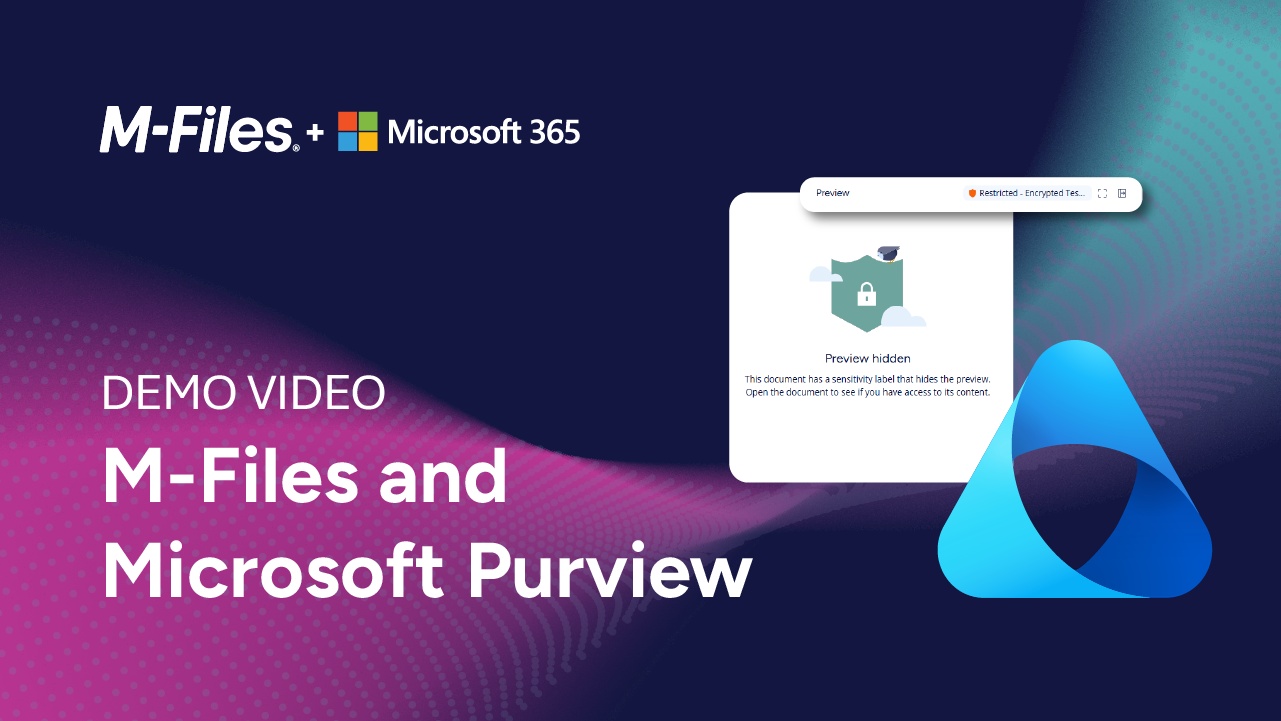
See how M-Files works with Microsoft Purview sensitivity labels to protect sensitive documents and how those protections affect document access, previews, and search.
Build on Your Microsoft Information Protection Investments
Microsoft Purview remains the authoritative source for sensitivity labels and associated protection. M-Files adds business context for supported content stored using Microsoft 365 Storage, also known as SharePoint Embedded. Users can work through supported Microsoft Office experiences. Relationships with Microsoft Copilot, Teams, Outlook, Defender, ERP, CRM, and line-of-business systems vary by product and scenario and require .
Microsoft 365
Make Microsoft 365 a trusted foundation for collaboration, document management, and AI. M-Files adds business context, governance, workflow automation, and records management to help organizations find information faster, work more efficiently, and get more value from Microsoft 365


Microsoft Teams
Chat and collaborate directly in Teams while staying organized. Access all your company’s data in one space. Support efficient and well-governed teamwork with built-in workflows.

Microsoft Office
Create, edit, and collaborate on documents directly in Word, Excel, and PowerPoint. Find information faster, automate workflows, and maintain document control and governance while working in familiar Microsoft Office applications.
Microsoft SharePoint
Make document work easier with tools that organize, tag, and automate files. Use smart search, automatic workflows, and strong version control to stay on track. Handle complex tasks and support industry-specific needs all while working inside Microsoft 365.
Microsoft Purview FAQs
See M-Files in Action